Shopping at chest shops is an easy way to trade cheaply and efficiently!
We start with the commands, then comes the guide followed by a video guide (in the making, not published yet).
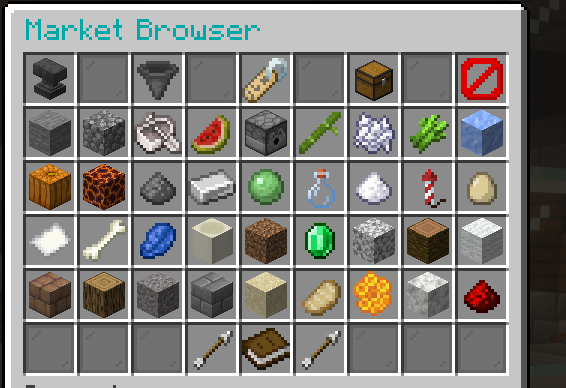
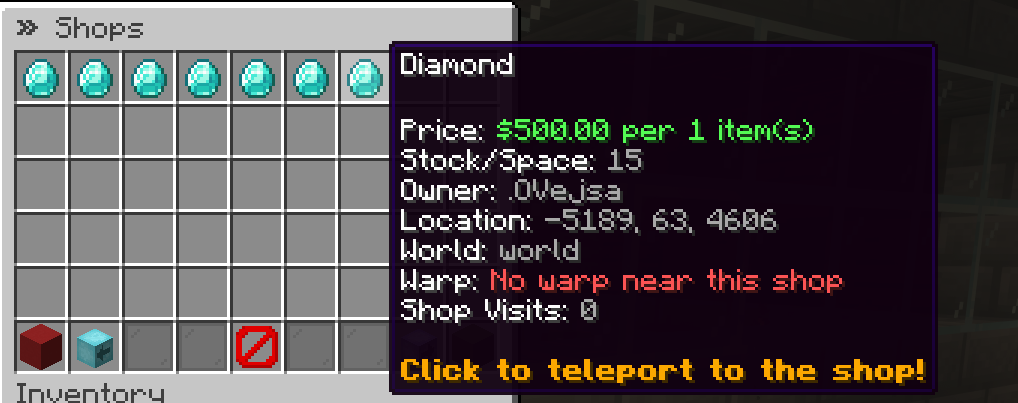
/qs browse - opens a menu that lets you browse all chest shops. Here you can see prices, stock etc., and teleport straight to the shop.
/finditem TO_BUY [item] - searches for chest shops selling items you are looking for. Here you can also teleport straight to the shop.
/finditem TO_SELL [item] - searches for chest shops buying items you want to sell. There can be big money to be made here!
Find the chest shop you want to trade with, either with commands or by walking around /warp markedsplassen.
Hit the sign on the shop you want to buy from.
Then type in chat how many items you want to buy.
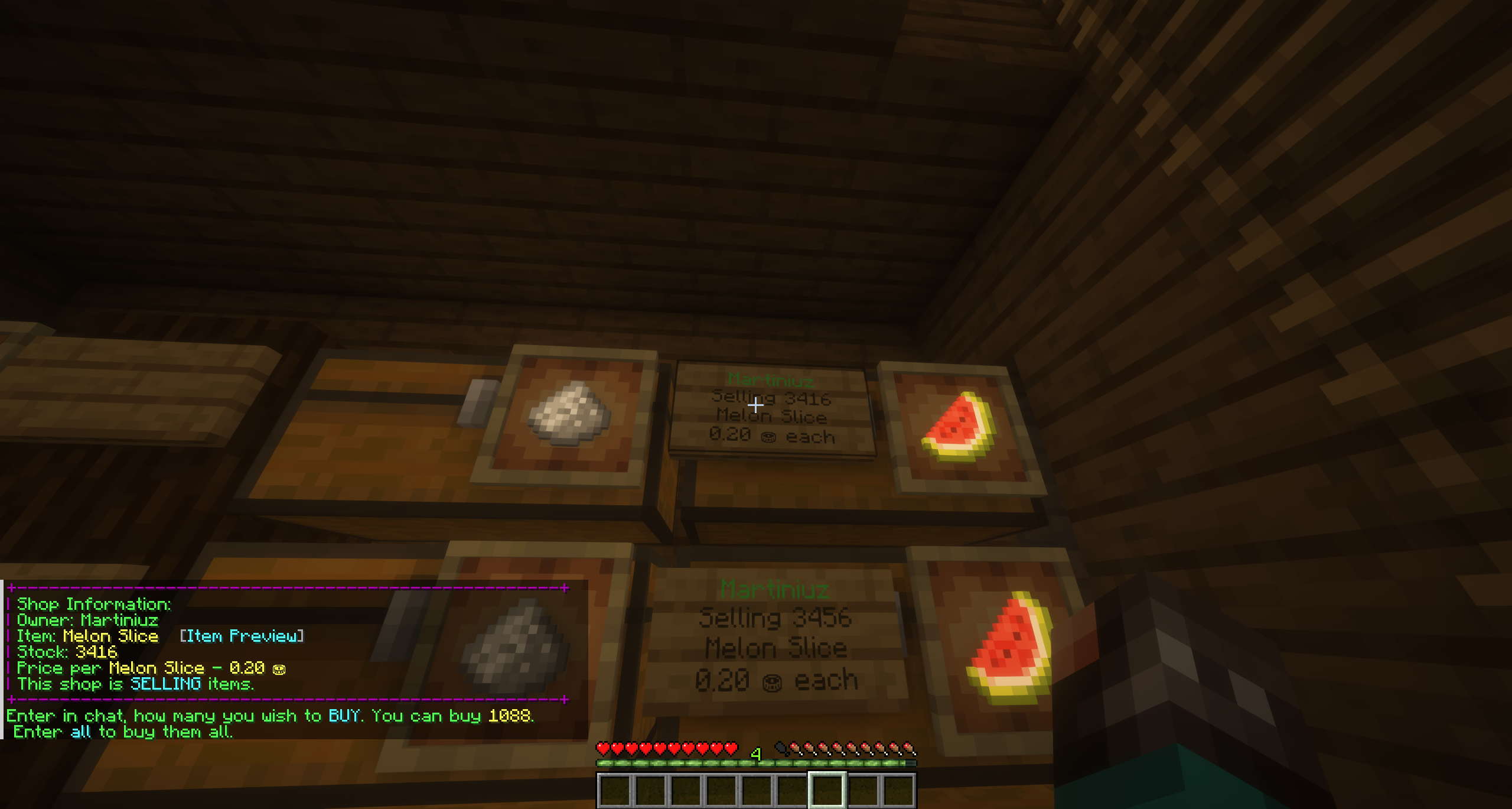
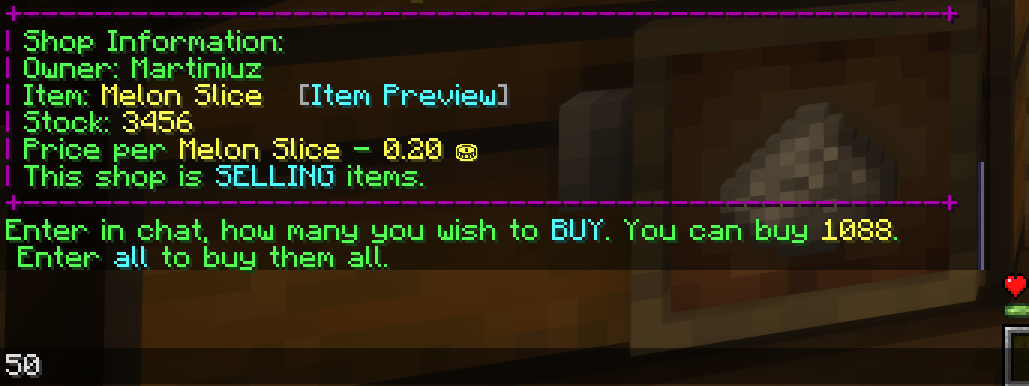
Find the shop you want to sell to. Hit the sign and type the number of the item you want to sell. Note that you must have the items the shop is asking for in your inventory for it to work.
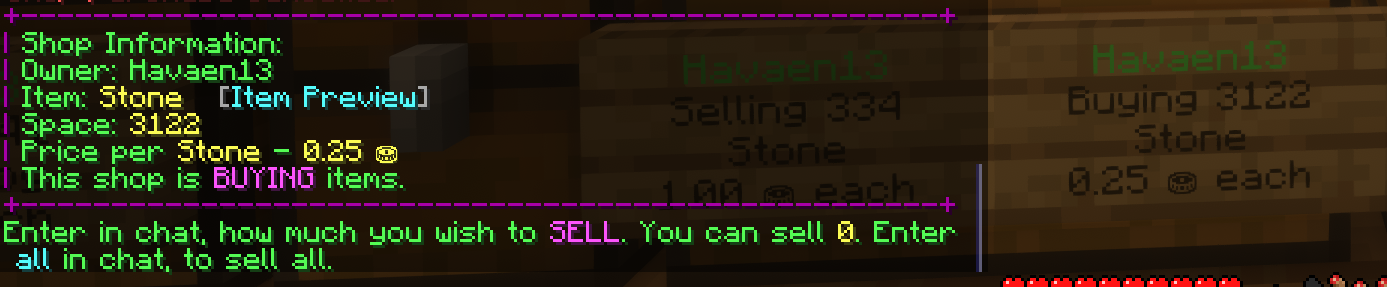
To find shops, you can use a few different commands.
If you just want to have a look at the market, you can use /qs browse, which opens a menu you can navigate around.
If you are only looking for a specific item to sell or buy, you can use /finditem TO_BUY [item] if you need something, or /finditem TO_SELL [item] to sell items.
We use necessary cookies to make this website work. With your permission, we also use cookies for preferences, analytics and marketing. You can refuse optional cookies or change your choices at any time.
Global Privacy Control is active. Marketing is disabled.
European Union / EEA · GDPR / ePrivacy