Creating a chest shop is super simple! But first we start with the list of commands, so it's easy to come back and find them, then comes the guide, plus video guides.
All commands (require you to look at a chest or an existing shop):
/qs buy - turns the chest shop into one that buys items
/qs sell - turns the chest shop into one that sells items
/qs create [price] - creates a shop with what you are holding
/qs create [price] [item] - creates a shop
/qs price [price] - changes the price
/qs benefit add [player] [share%] e.g.: /qs benefit add Martiniuz 10% - gives Martiniuz 10% of the shop's sales income. If you team up to buy resources, the same can be used to split the cost of buying resources.
/qs freeze - freezes the shop and displays "Out of service".
/qs history - shows all transactions
/qs sign [sign type] - changes the sign type of the shop sign, e.g. /qs sign SPRUCE_WALL_SIGN
/qs staff add [player] - gives access to manage the chest shop you are looking at
/qs staffall add [player] - gives access to manage all the chest shops you own
/qs staff del [player] - removes a player from the chest shop
/qs staffall del [player] - removes access to manage the chest shops you own
/qs suggestprice - gives you a suggestion based on other chest shops' prices
/qs size [amount] - changes from 1 item per sale to e.g. a stack. The price is still given per sale.
First you need to find a shop space at the marketplace, which you'll find at /warp Markedsplassen.
When you find a free shop space (green signs), rent it by right-clicking the sign at the entrance.
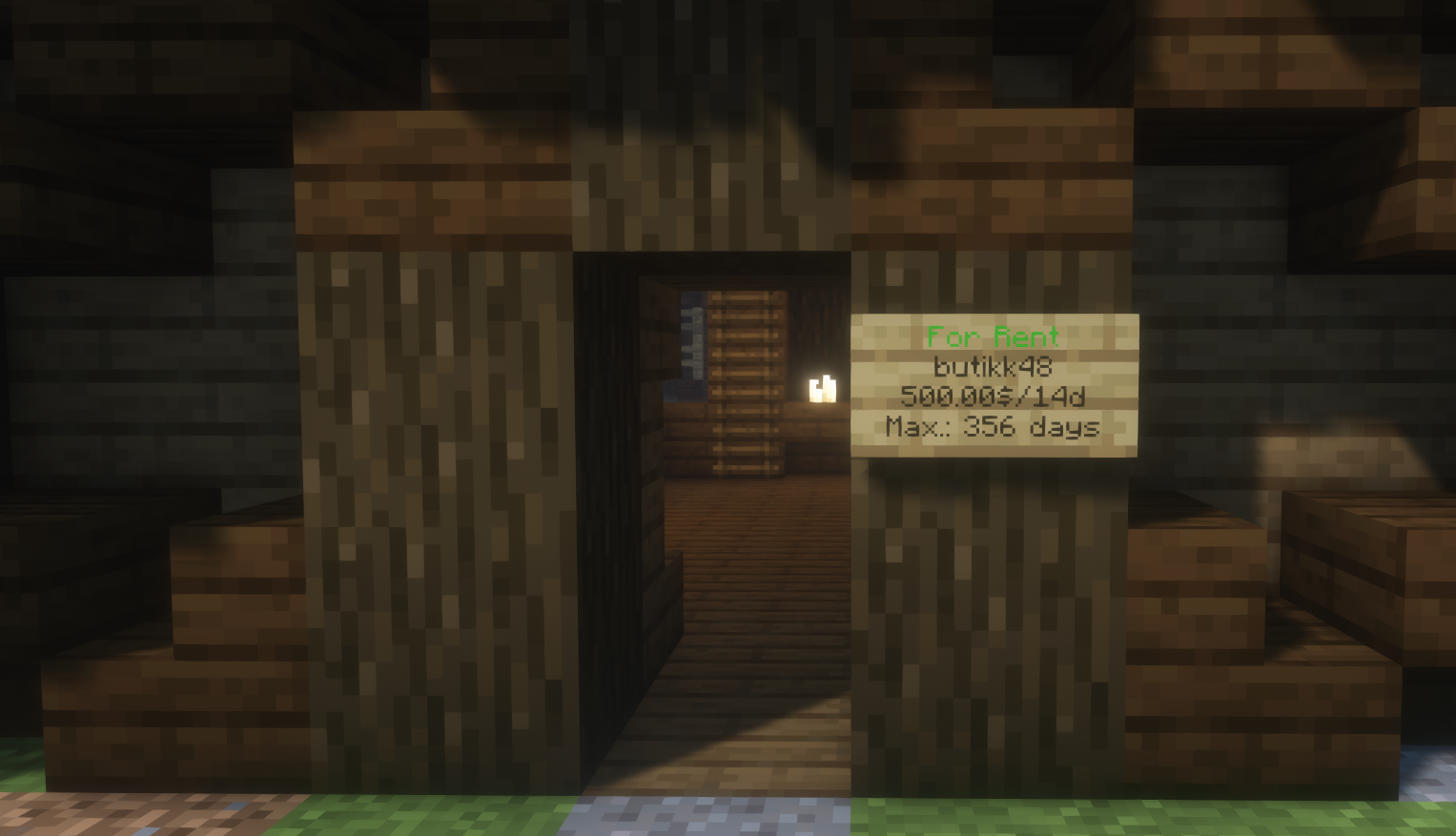
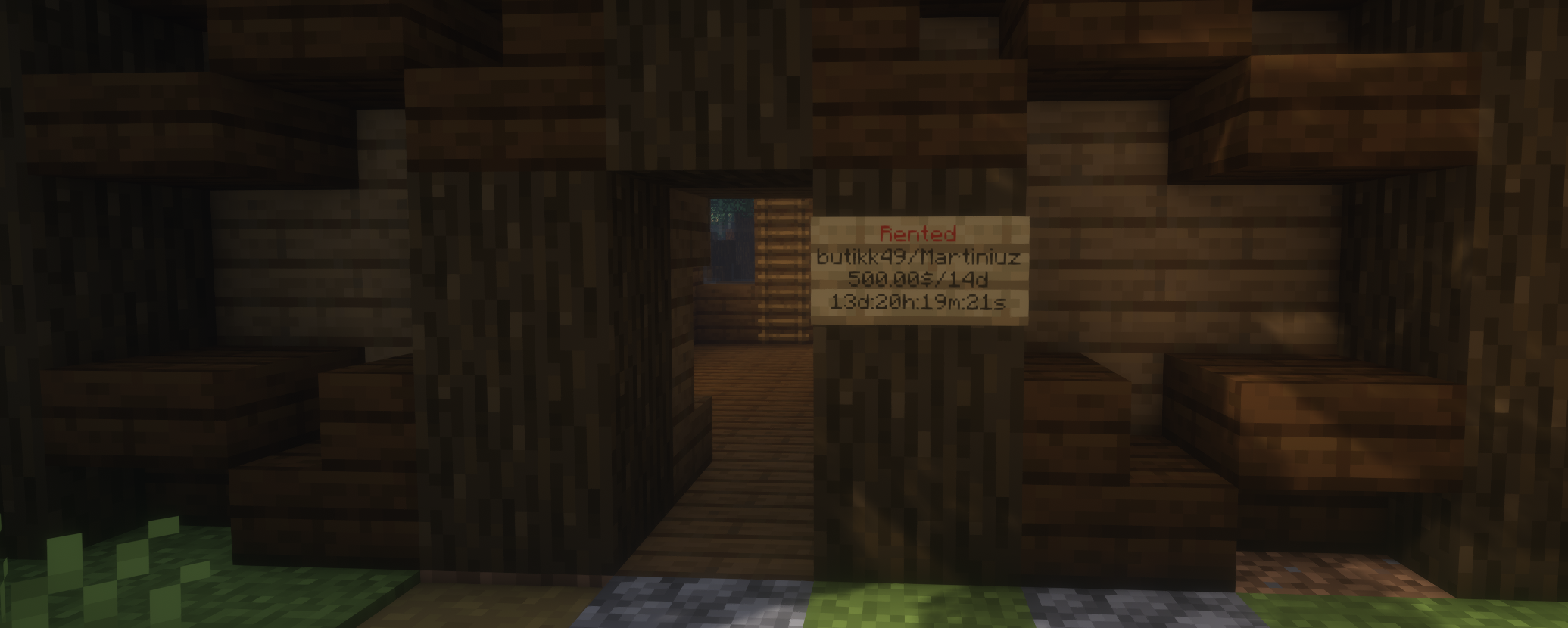
you have rented the space, and can now create your own chest shop!
First you need to place chests, so you have something to sell from. You can use chests and barrels.
Once you have placed them, you can think about what you want to sell, and for how much.
Hit one of the chests you have placed in the shop space with the item you want to sell. Then type in chat how much you want to sell each item for.
Below is a picture guide on how to do this:
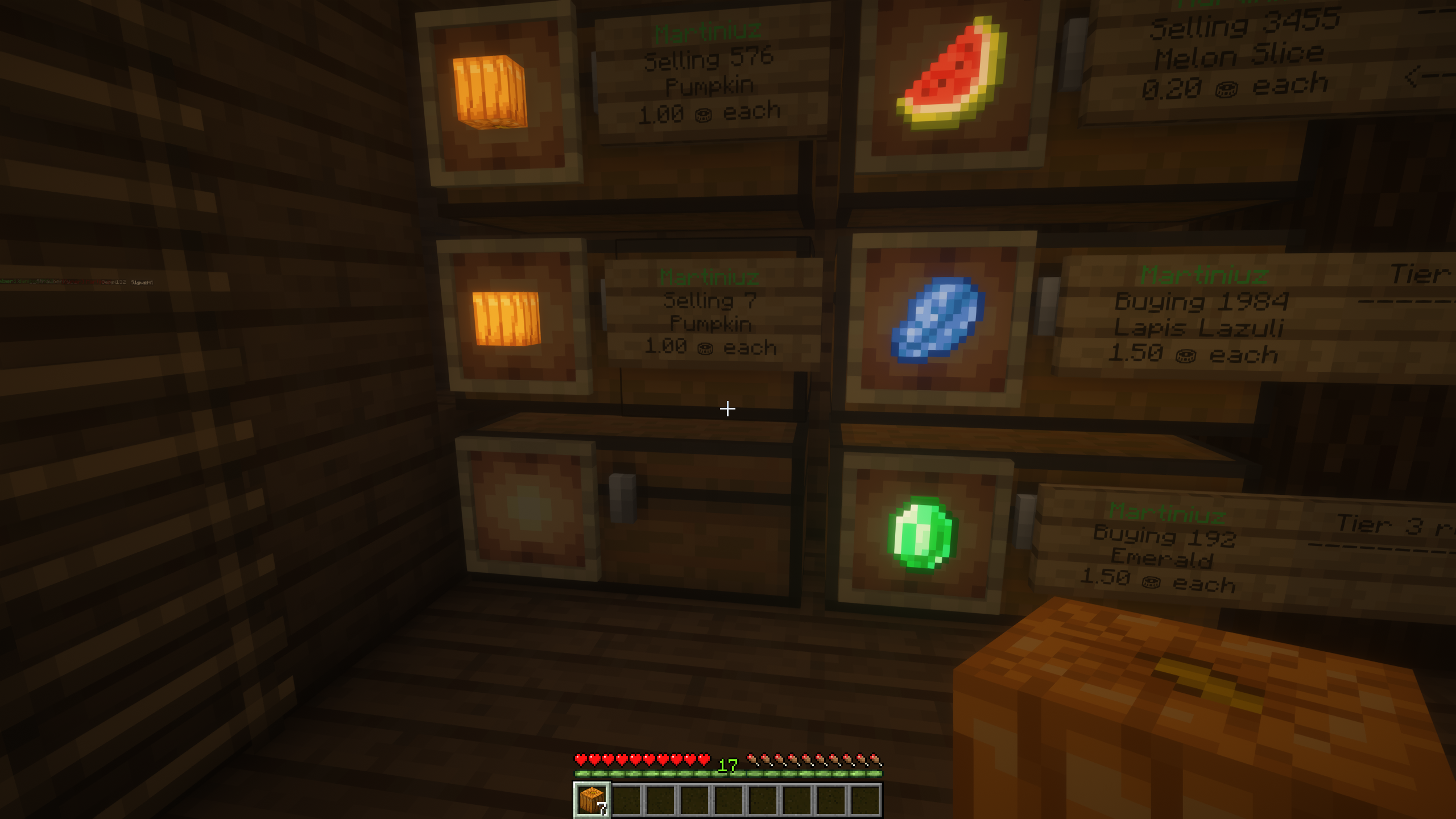
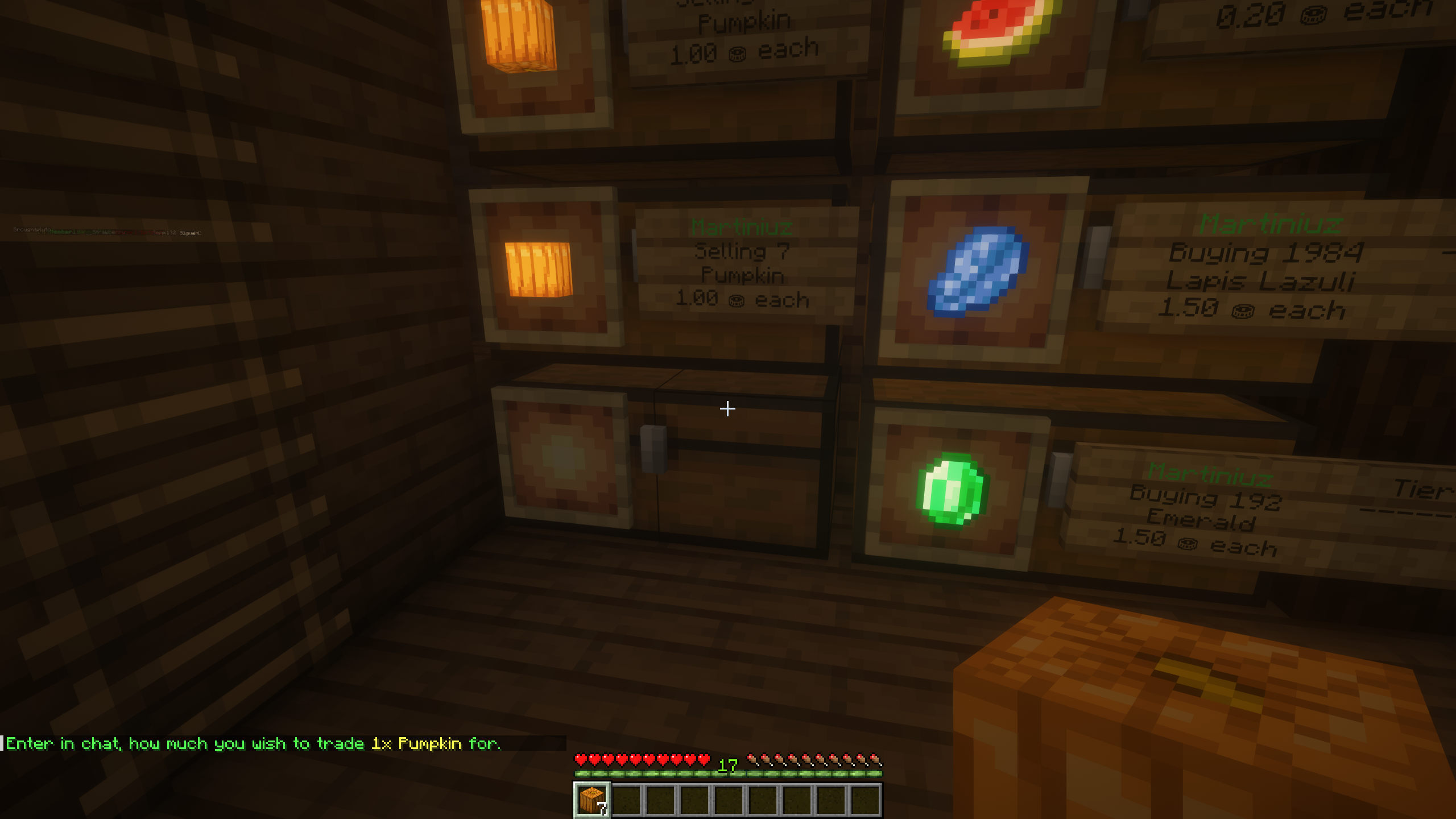
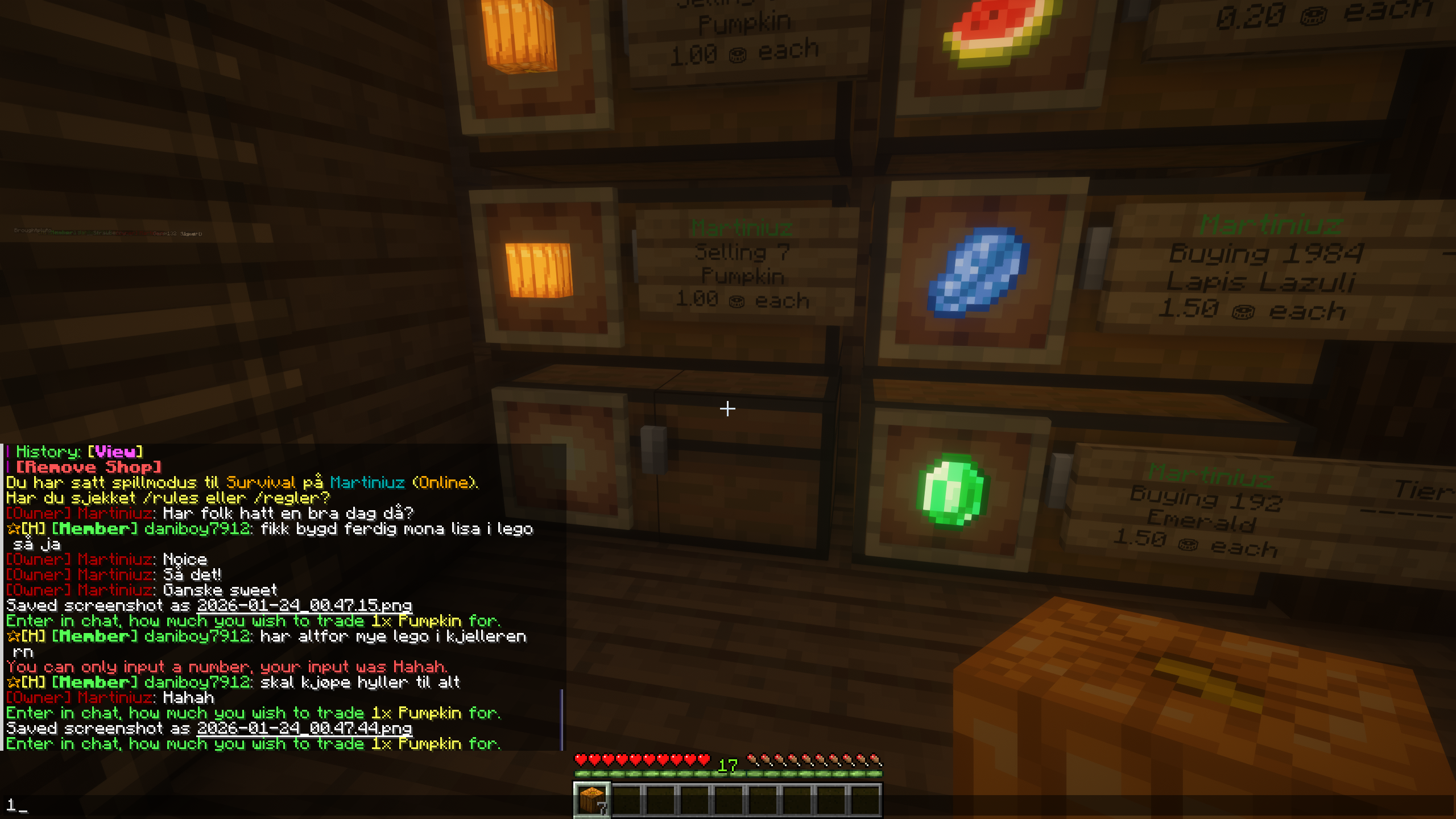
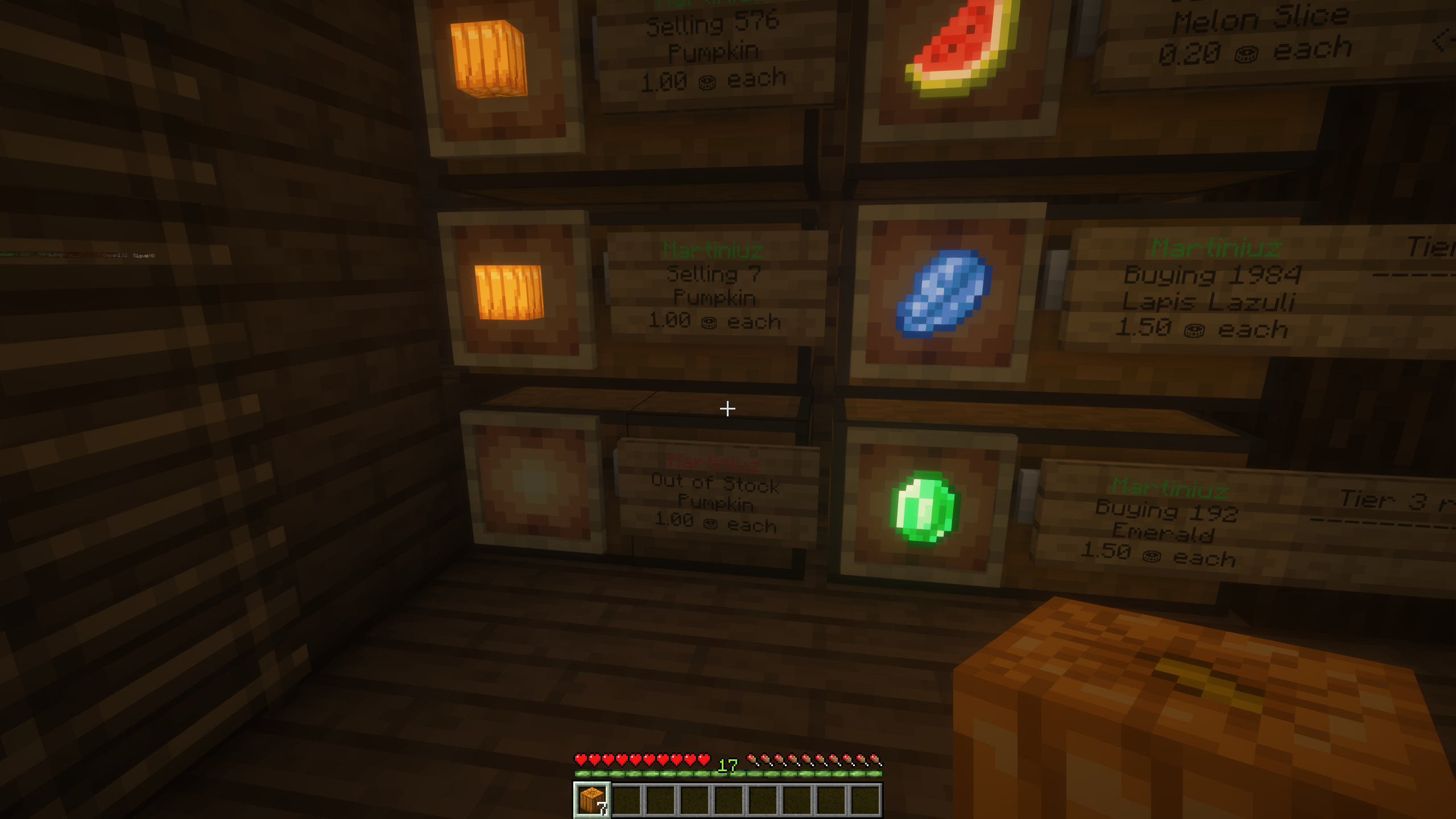
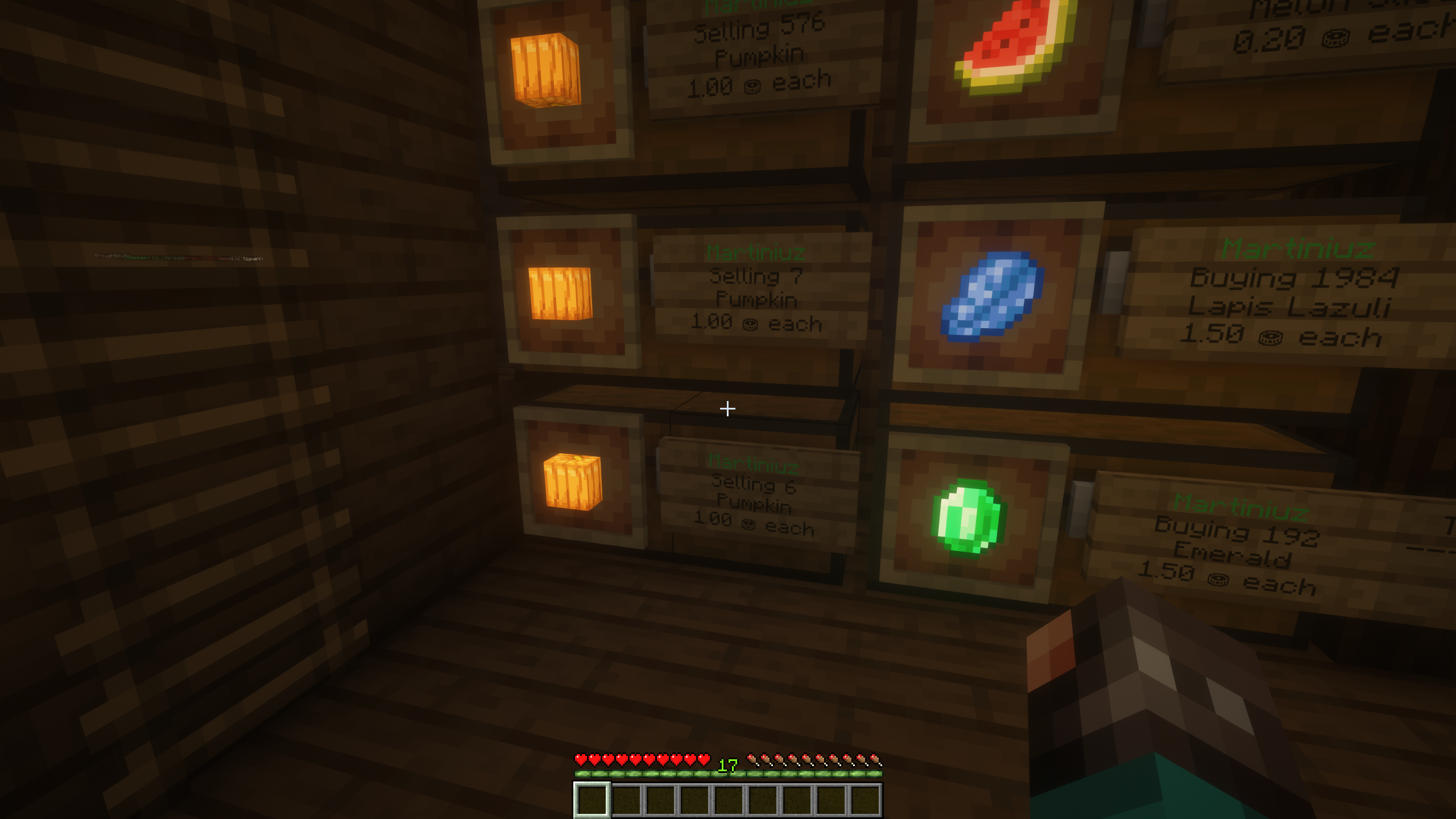
To switch to buying instead of selling, right-click the sign and click "change" next to "shop mode".
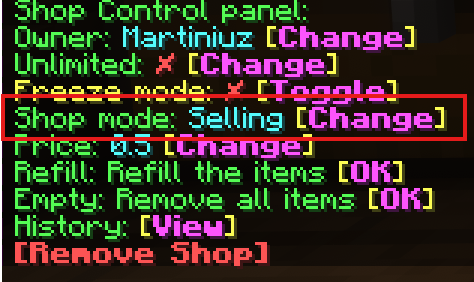
Look at the chest you want to turn into a chest shop and use the command /qs create [price] [item]
If you want to switch to buying, look at the chest shop you want to change and use the command /qs buy
To change the price you can use the command: /qs price [price]
We use necessary cookies to make this website work. With your permission, we also use cookies for preferences, analytics and marketing. You can refuse optional cookies or change your choices at any time.
Global Privacy Control is active. Marketing is disabled.
European Union / EEA · GDPR / ePrivacy